Audio relay
Live bridge or record & replay
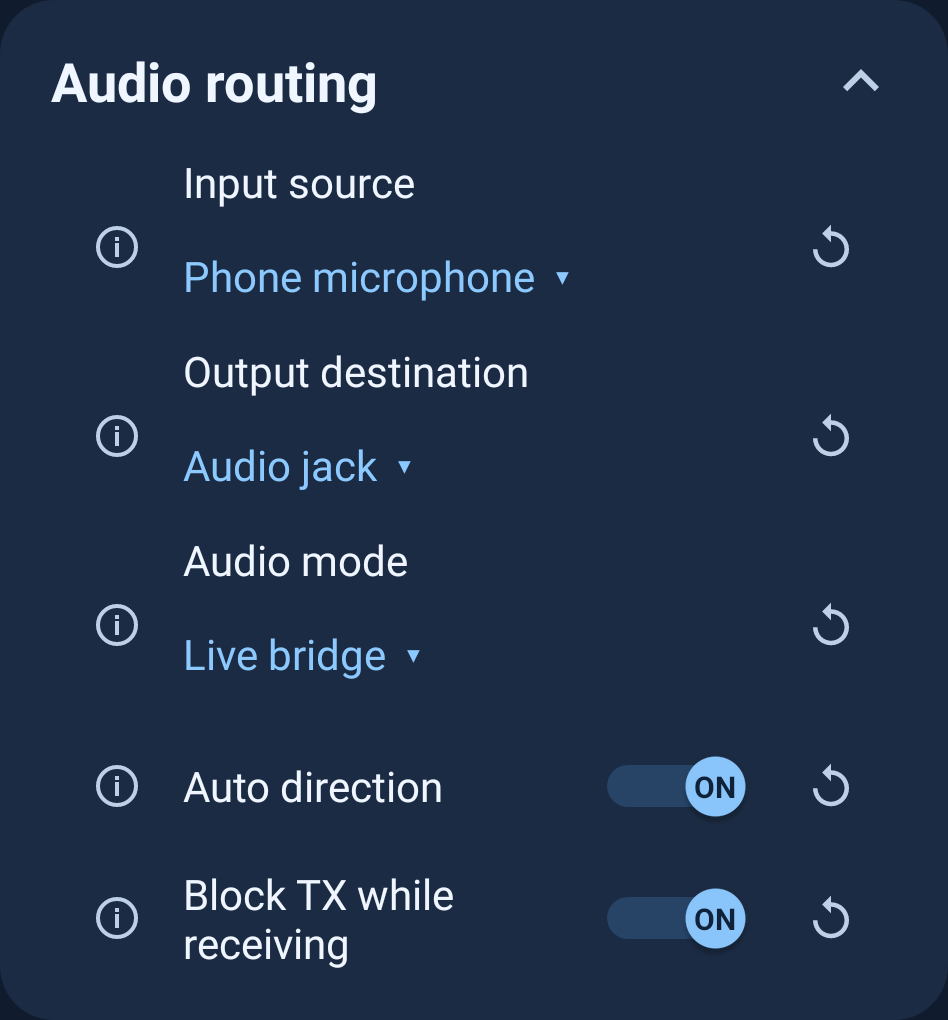
Route audio between supported phone, wired and Bluetooth endpoints. Automatic direction switching, voice triggering, Hold PTT and adjustable squelch and VOX timing help tailor the setup to your radio.
Voice, data and navigation through your analogue radio.
Turn any Android smartphone into a multifunction companion for conventional analogue two-way radios. Relay voice, exchange messages and photos, share locations, create maps and paths, share or join others radios, create repeaters and internet gateways, etc. - all in one compact application.
Bring voice, data and navigation together using compatible radio audio connections, with optional Bluetooth sharing and Internet gateway access.
Live bridge or record & replay
Route audio between supported phone, wired and Bluetooth endpoints. Automatic direction switching, voice triggering, Hold PTT and adjustable squelch and VOX timing help tailor the setup to your radio.
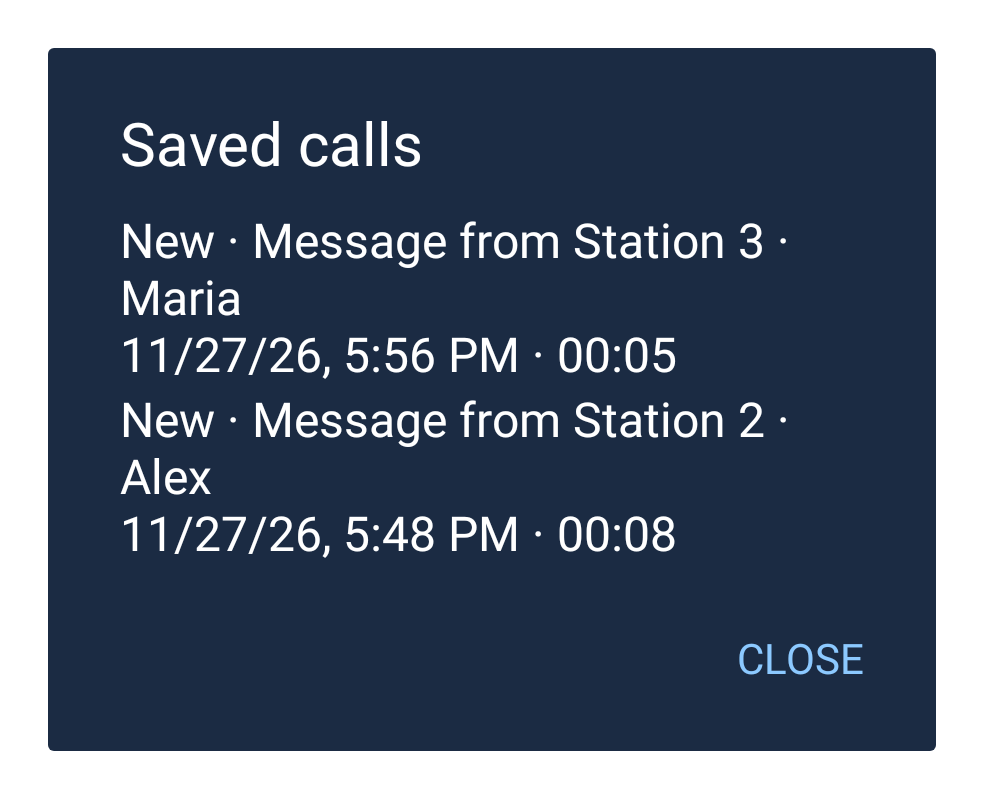
Never miss an incoming call
Store incoming voice calls with timestamps and station aliases. Listen individually or play all, export recordings and manage unread calls.
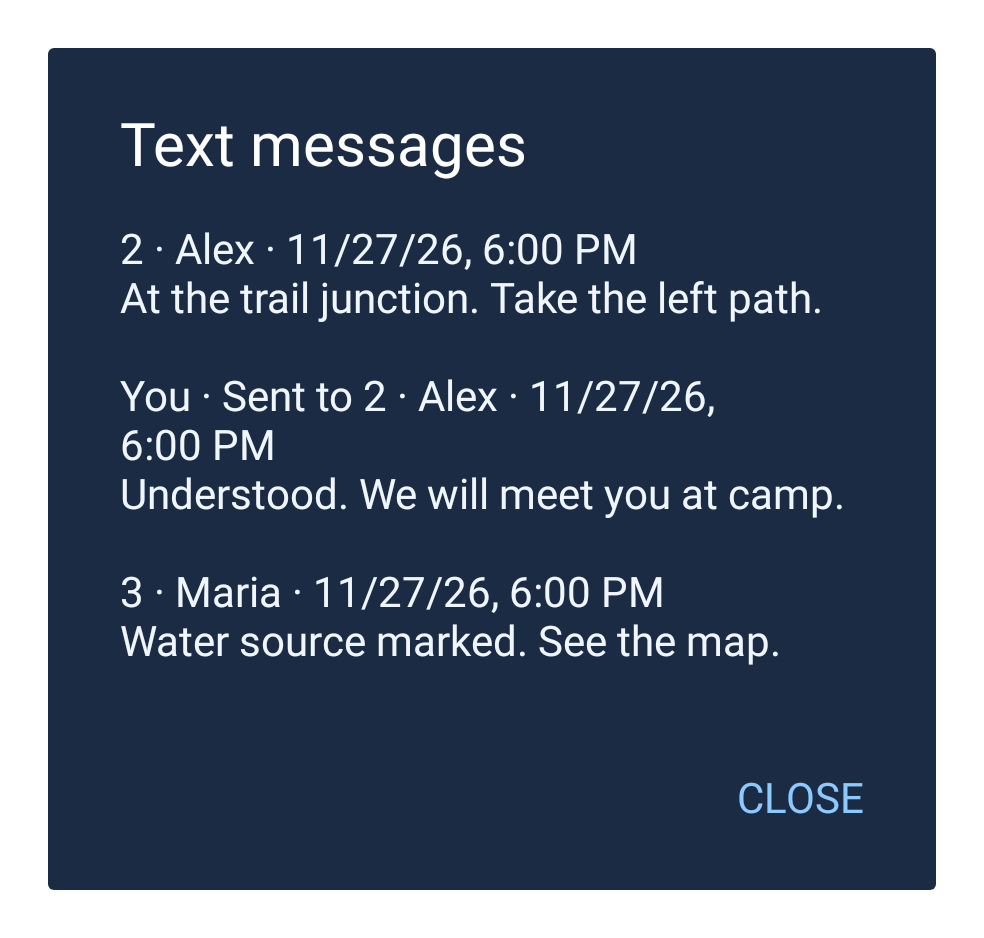
Send short messages over radio
Exchange addressed audio-FSK messages at 50, 100 or 200 bit/s, with chat history, acknowledgements for addressed messages and retry controls.
Share pictures over the air
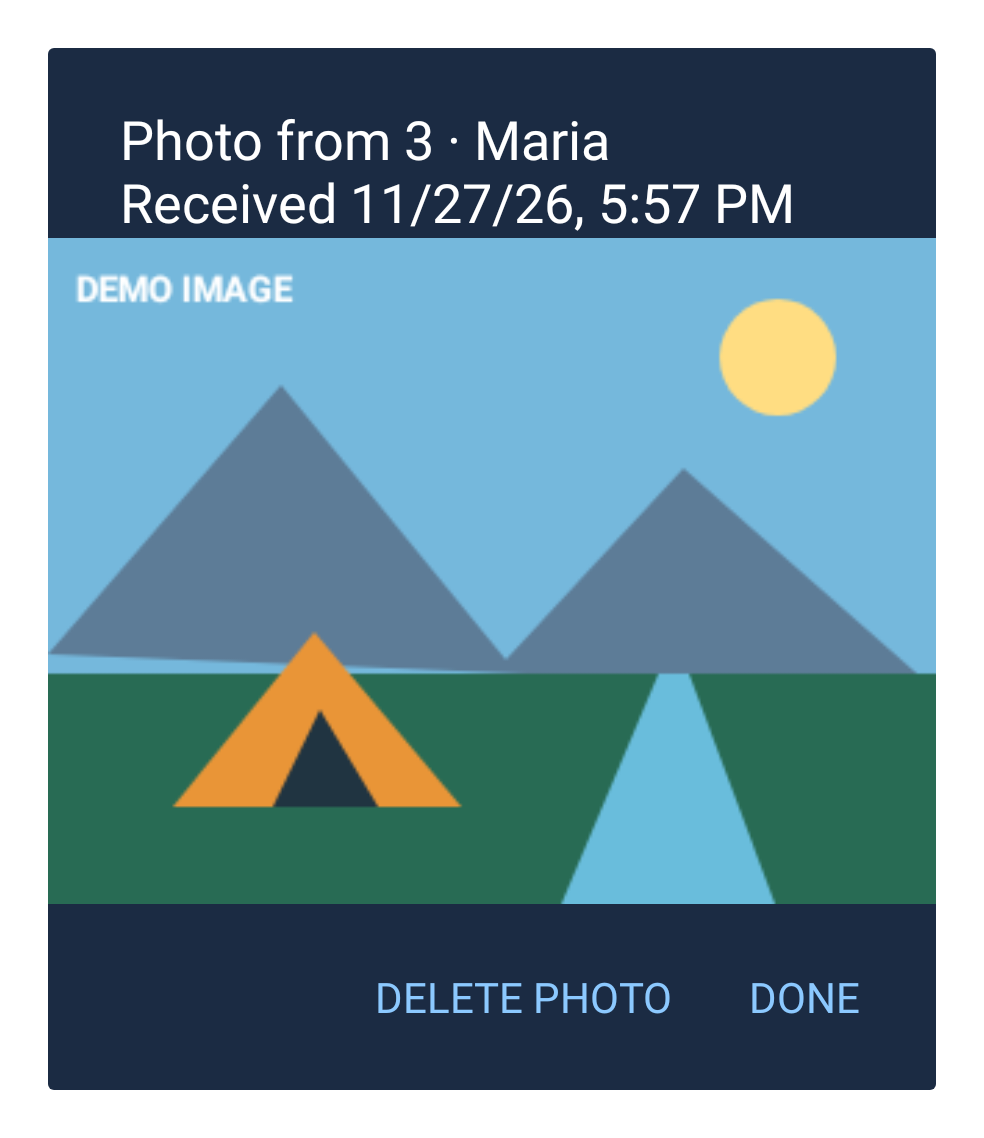
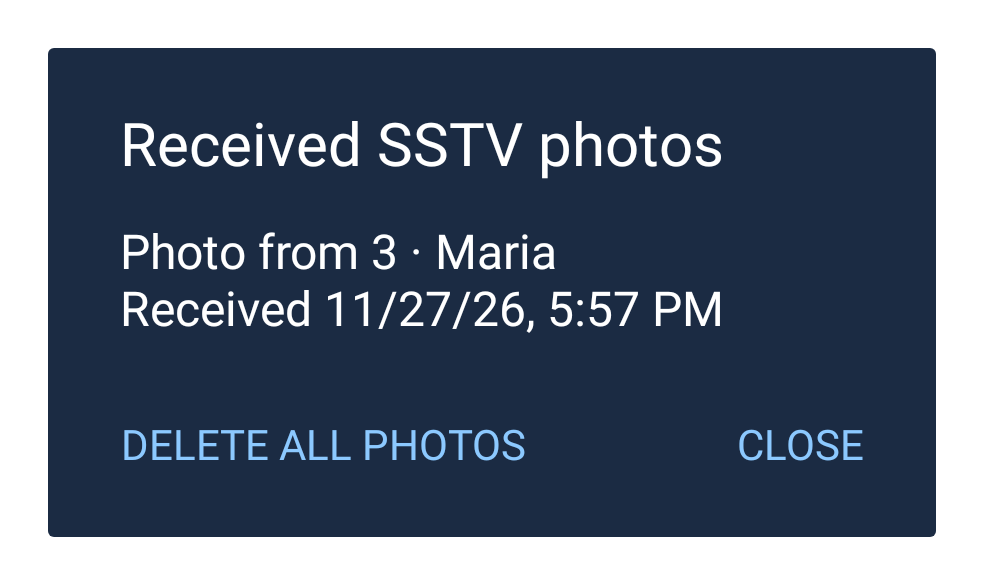
Send and receive 320 × 240 Robot 36 SSTV images. Choose a photo or use the camera, preview it and browse received pictures.
Know which stations are in range
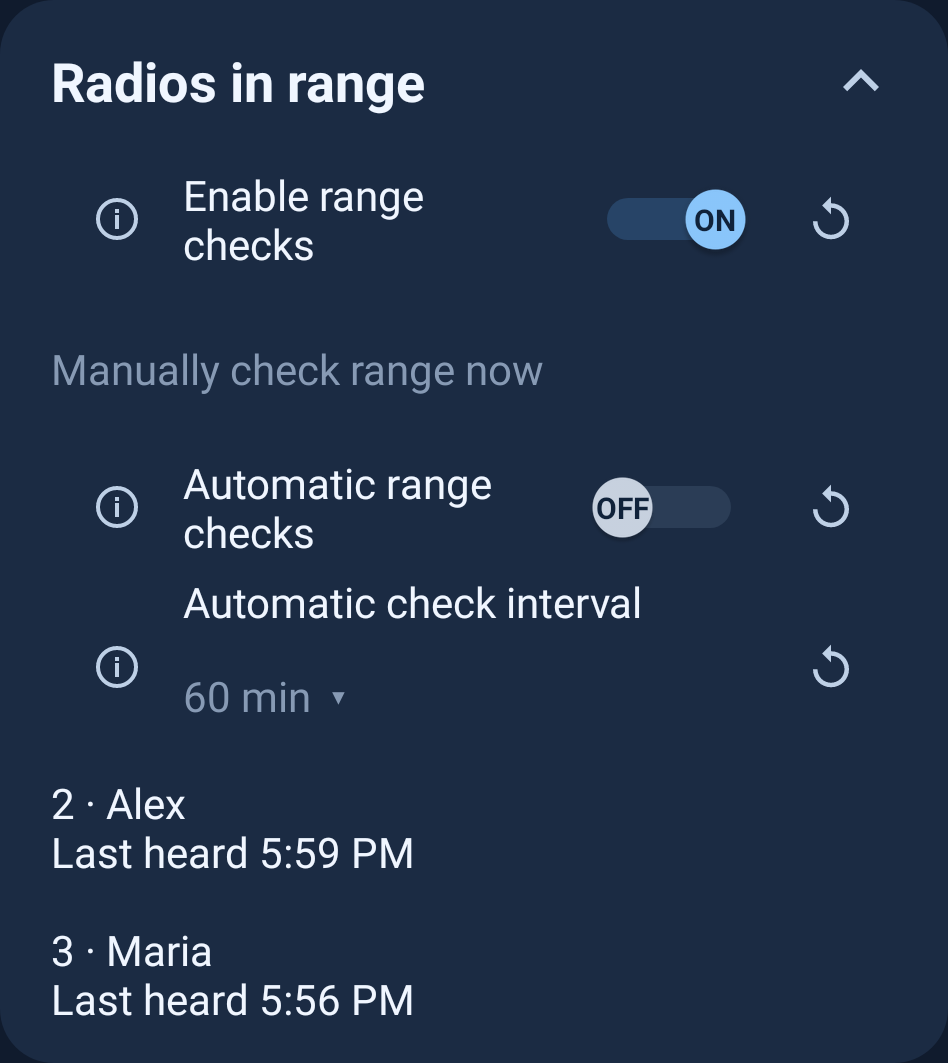
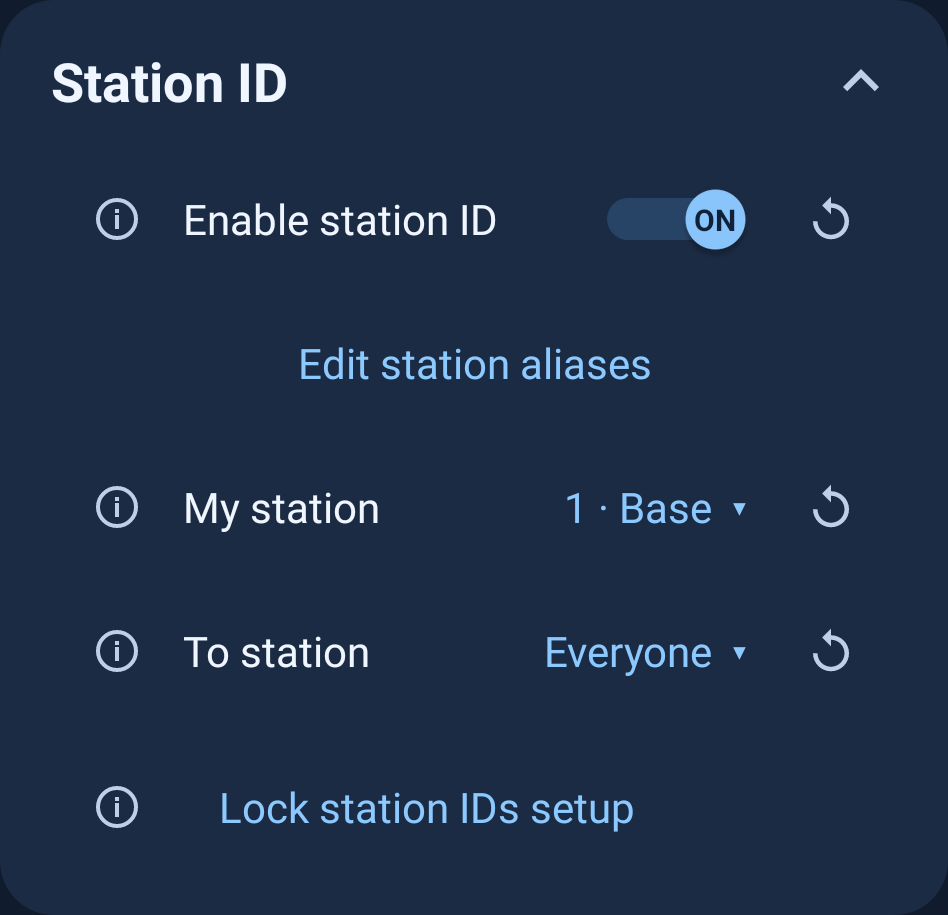
Eight station IDs with editable aliases, addressed communication, manual or automatic range checks and last-heard timestamps.
Share locations without Internet
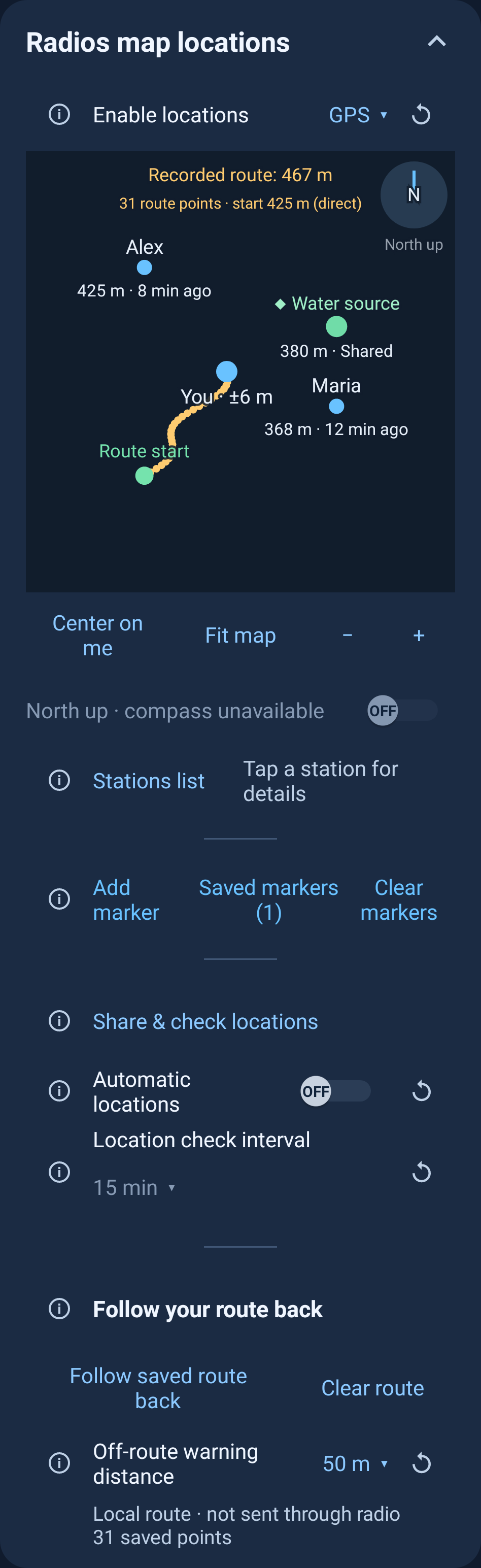
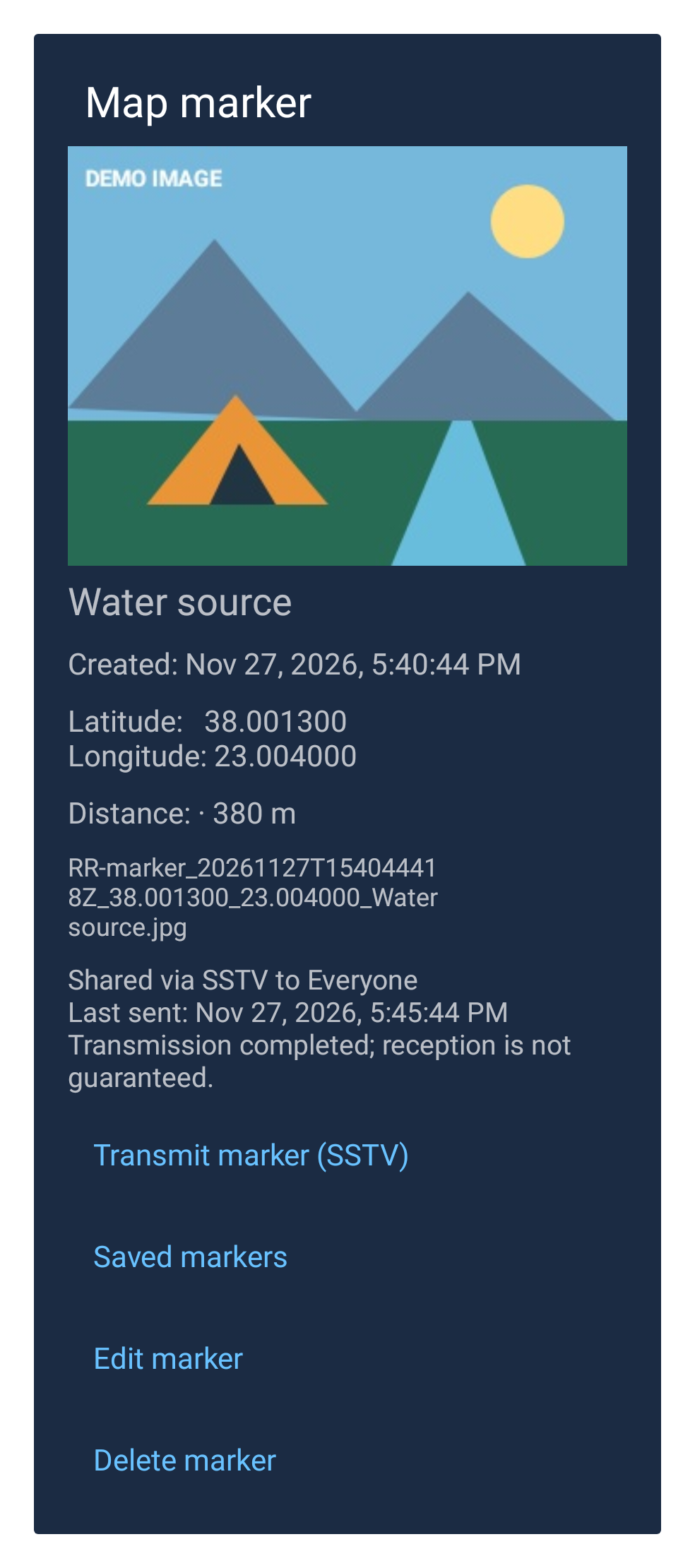
Plot relative station positions, distances and saved markers. Share marker photos with location, time and description metadata through SSTV. No street or terrain tiles are required.
Find your way back
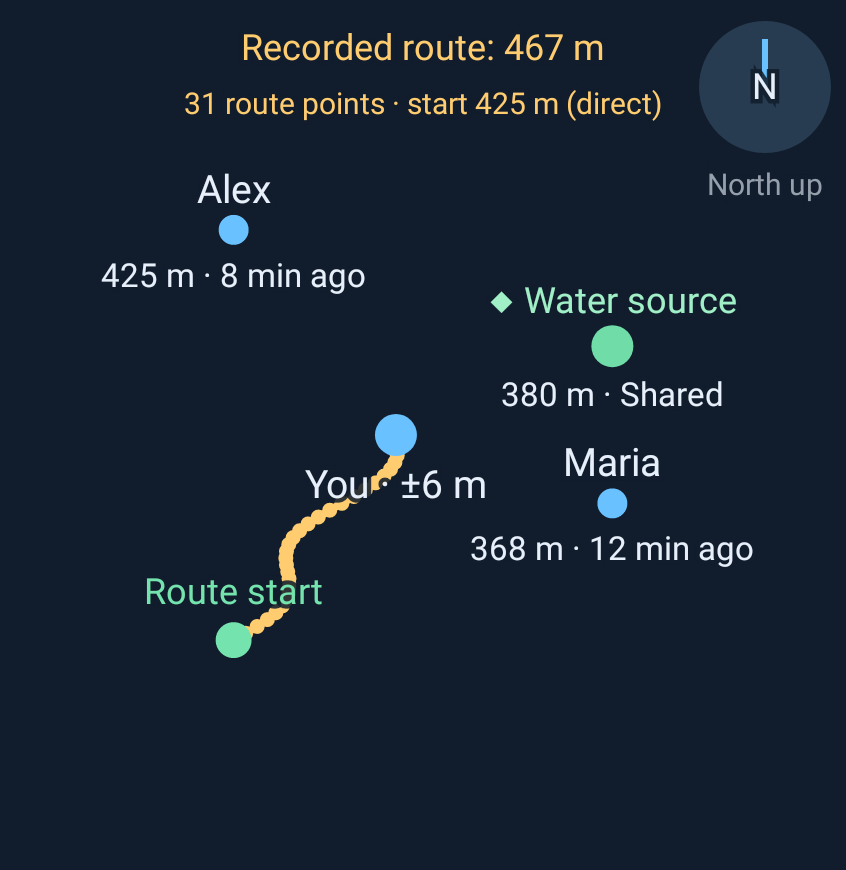
Record your route locally, track accumulated distance and follow it back with configurable off-route vibration warnings. No radio is needed for standalone navigation.
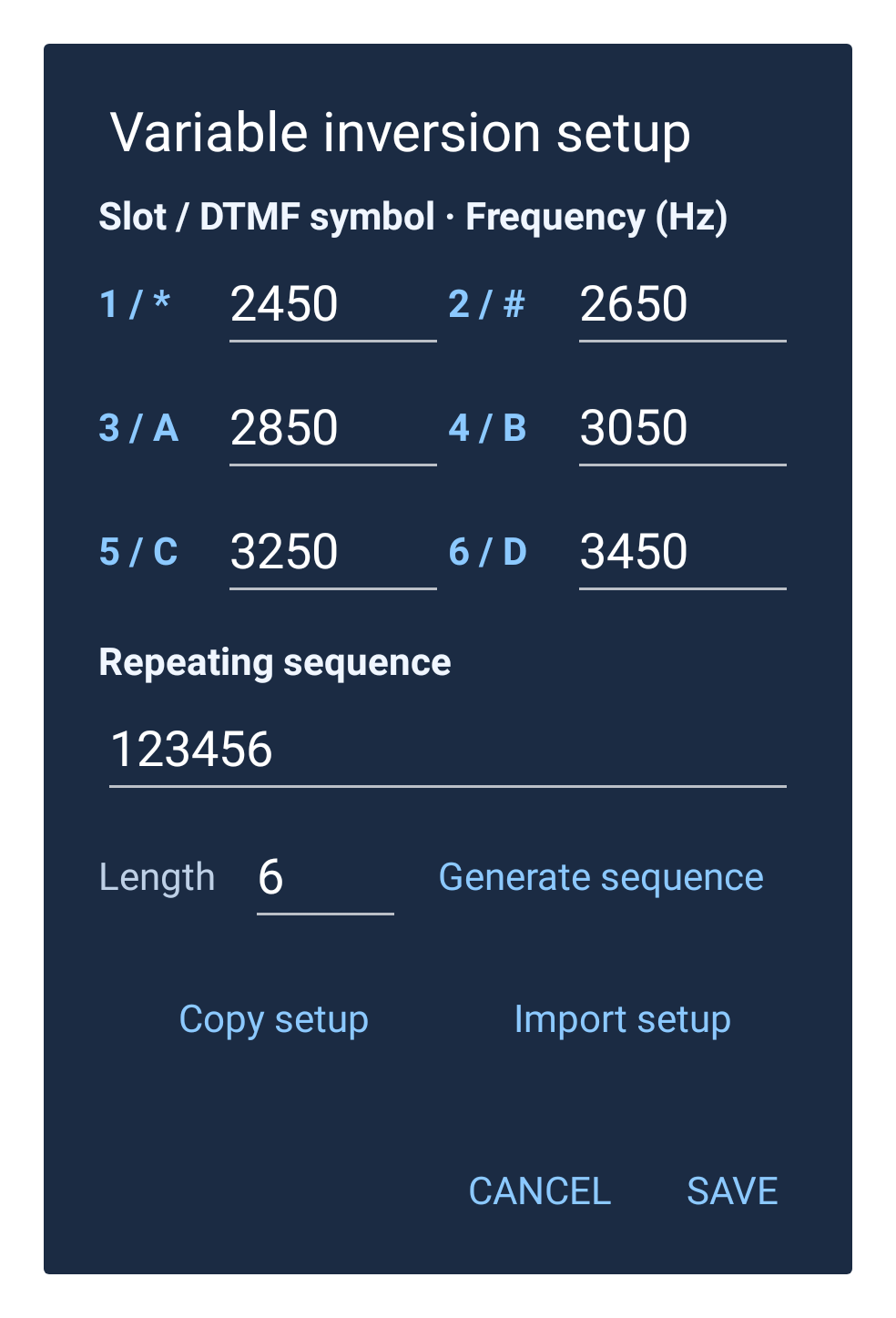
Configurable analog speech obfuscation
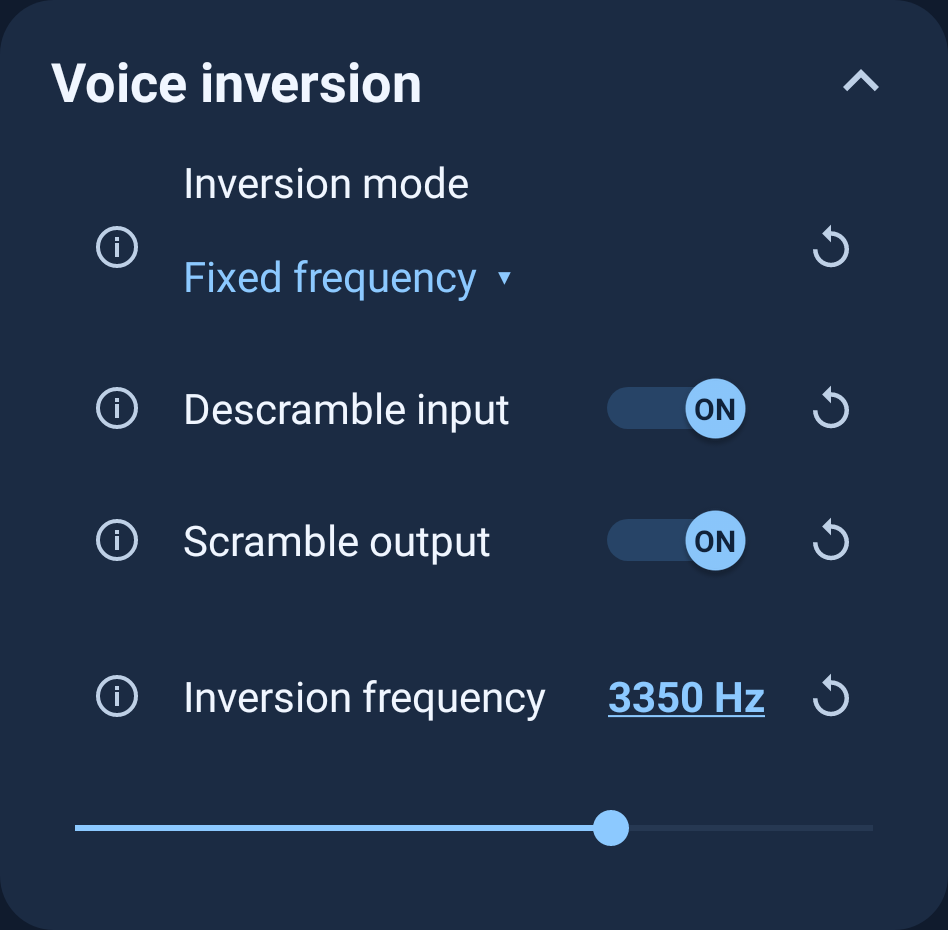
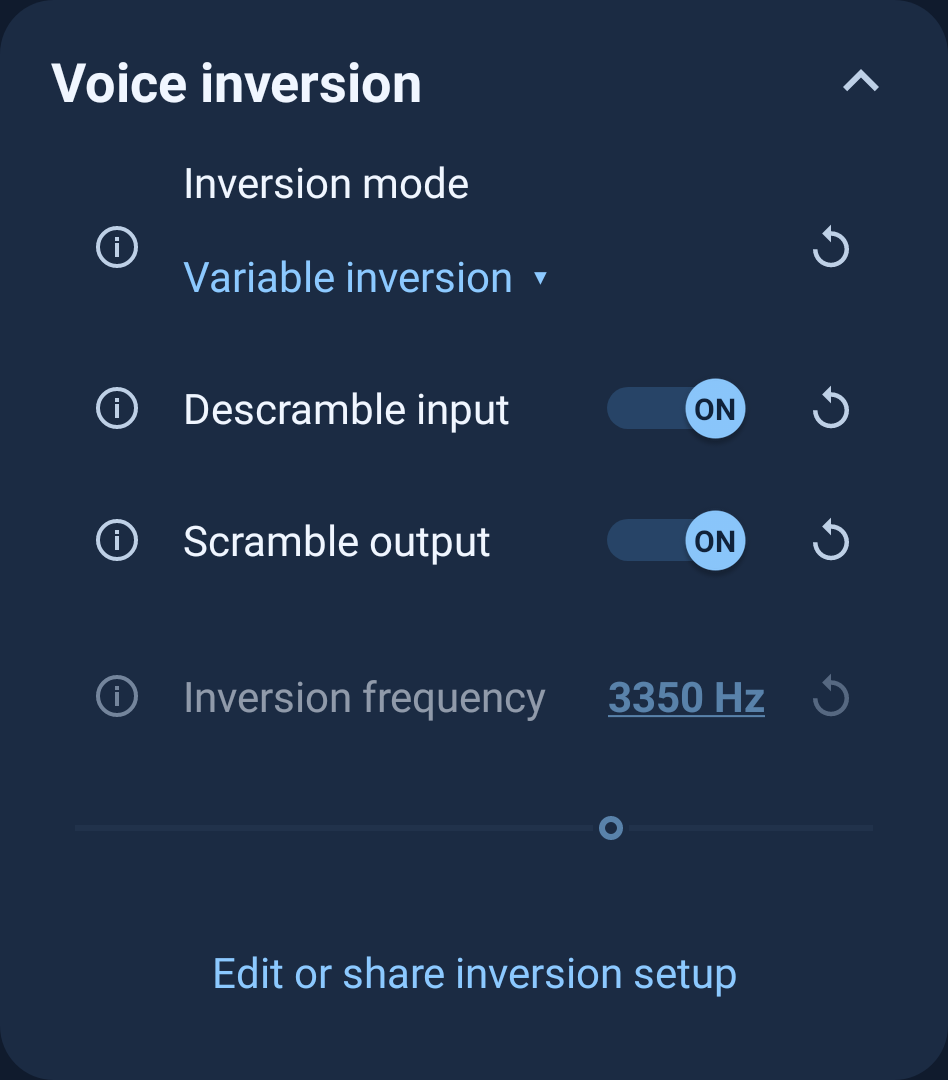
Choose fixed-frequency inversion or synchronized variable inversion with six configurable frequency slots and a shared sequence. This increases privacy beyond a simple scrambler.
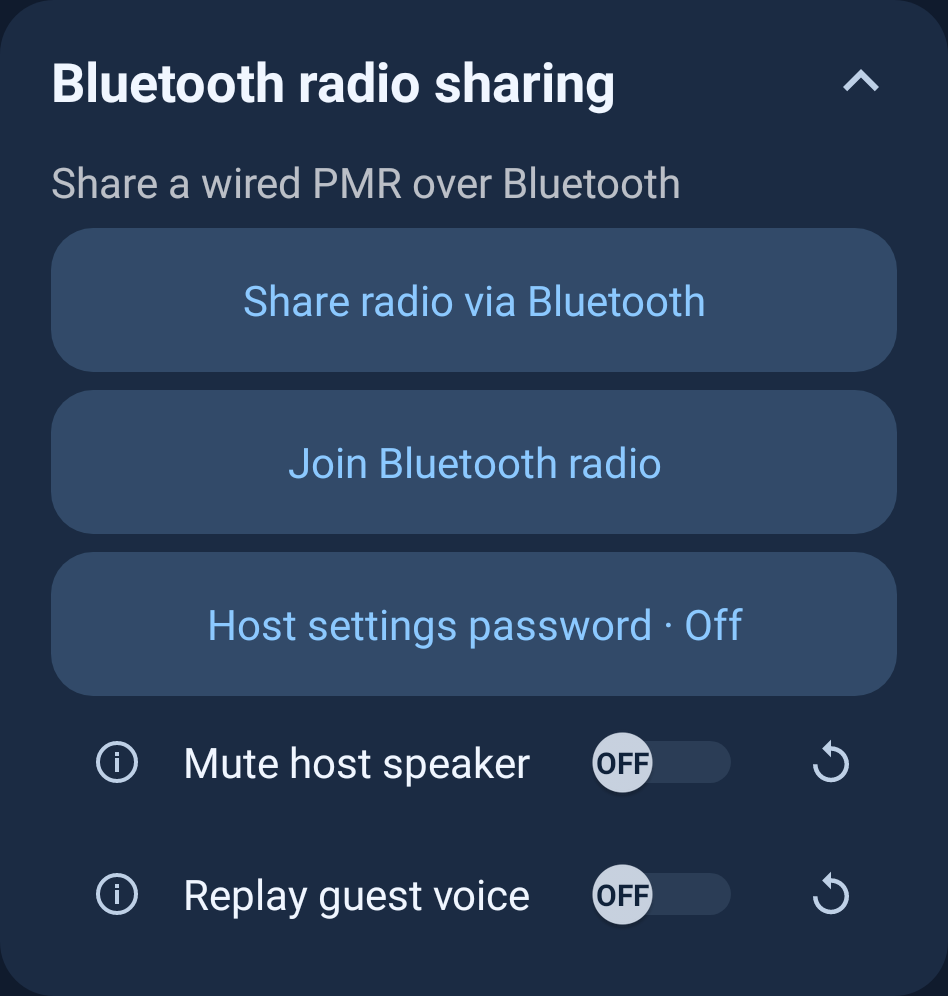
One radio, multiple phones
Nearby phones can join a host radio with approval and a join code. Assign listening, talking or data permissions and share radio tools through the host.
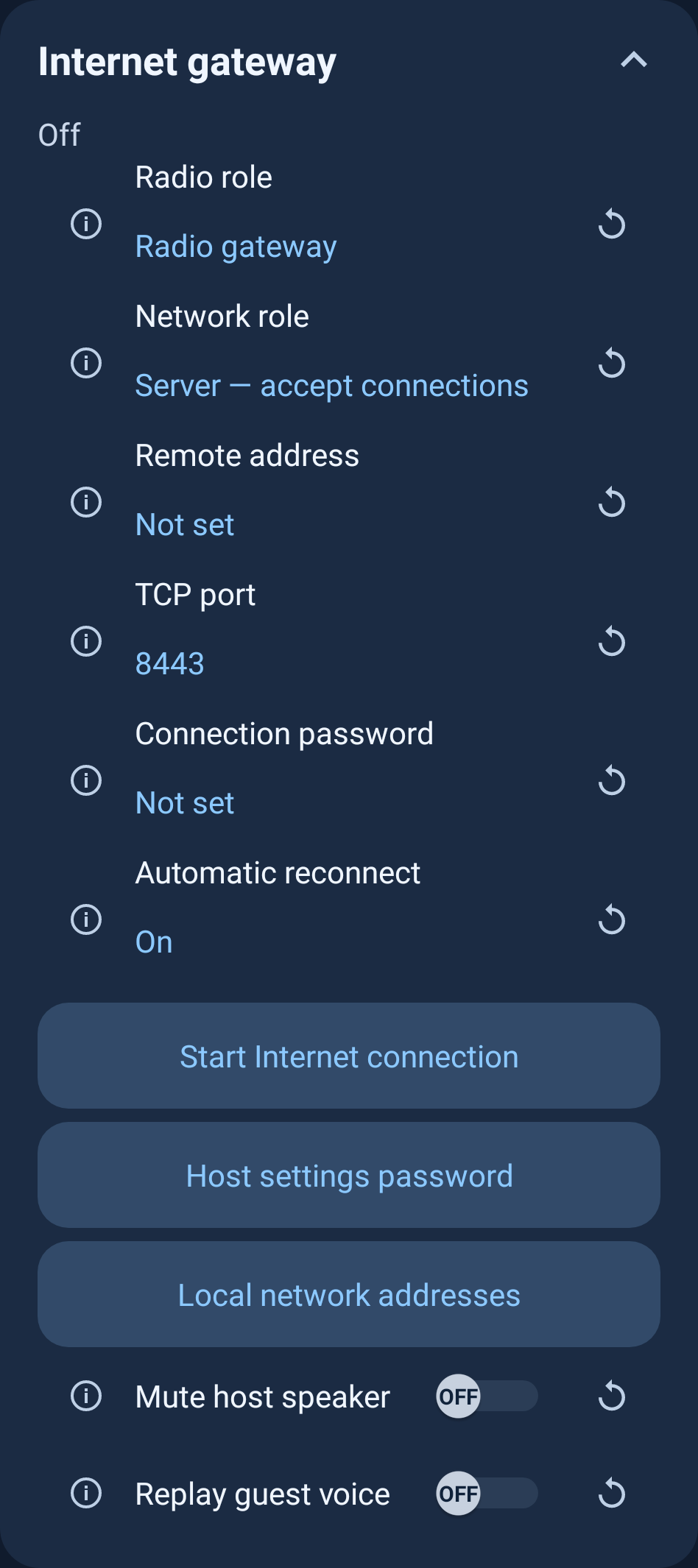
Connect distant radio locations
Optional direct encrypted Internet transport with client/server roles, access controls and automatic reconnect. Usable for connecting radio networks throughout the world. No mandatory cloud account or third-party relay service.
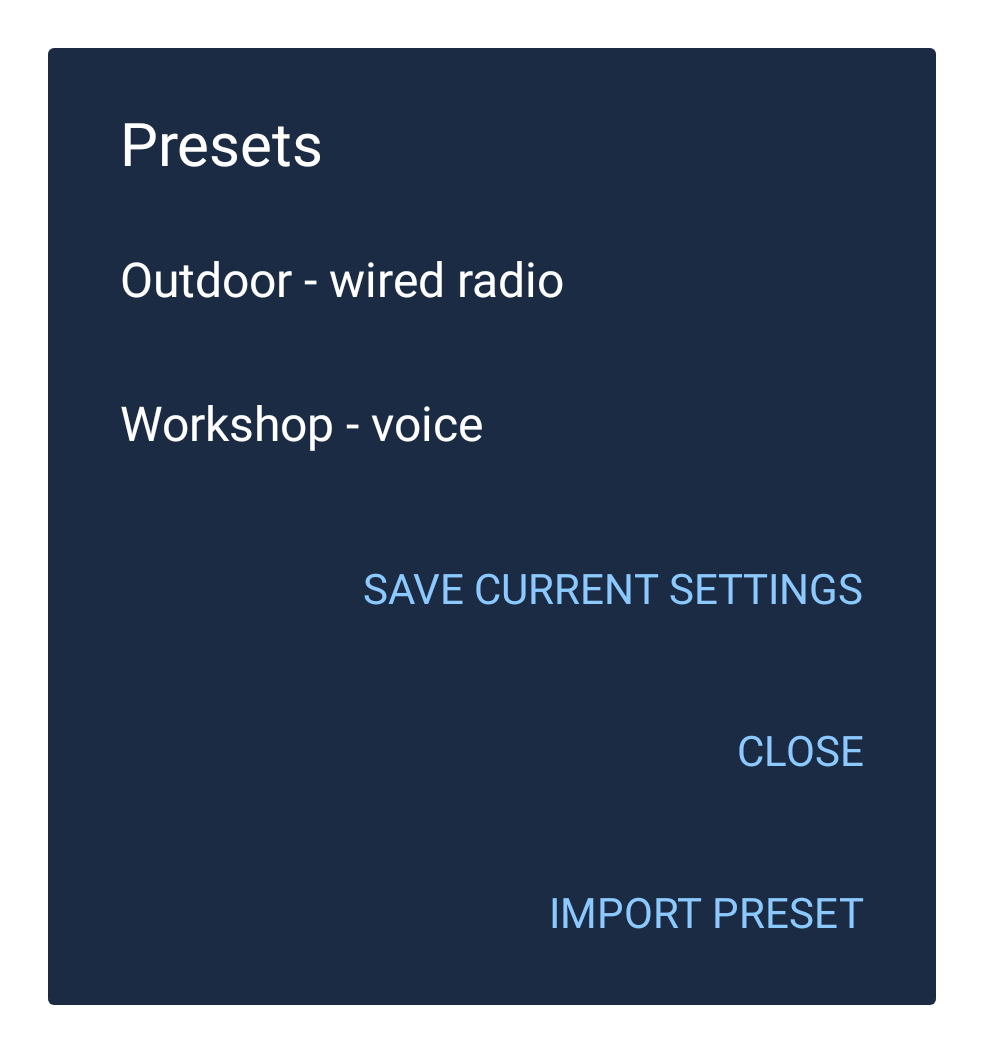
Make your setup reusable
Save and load named presets, export or import settings as text, and access individual setting help from the collapsible interface.
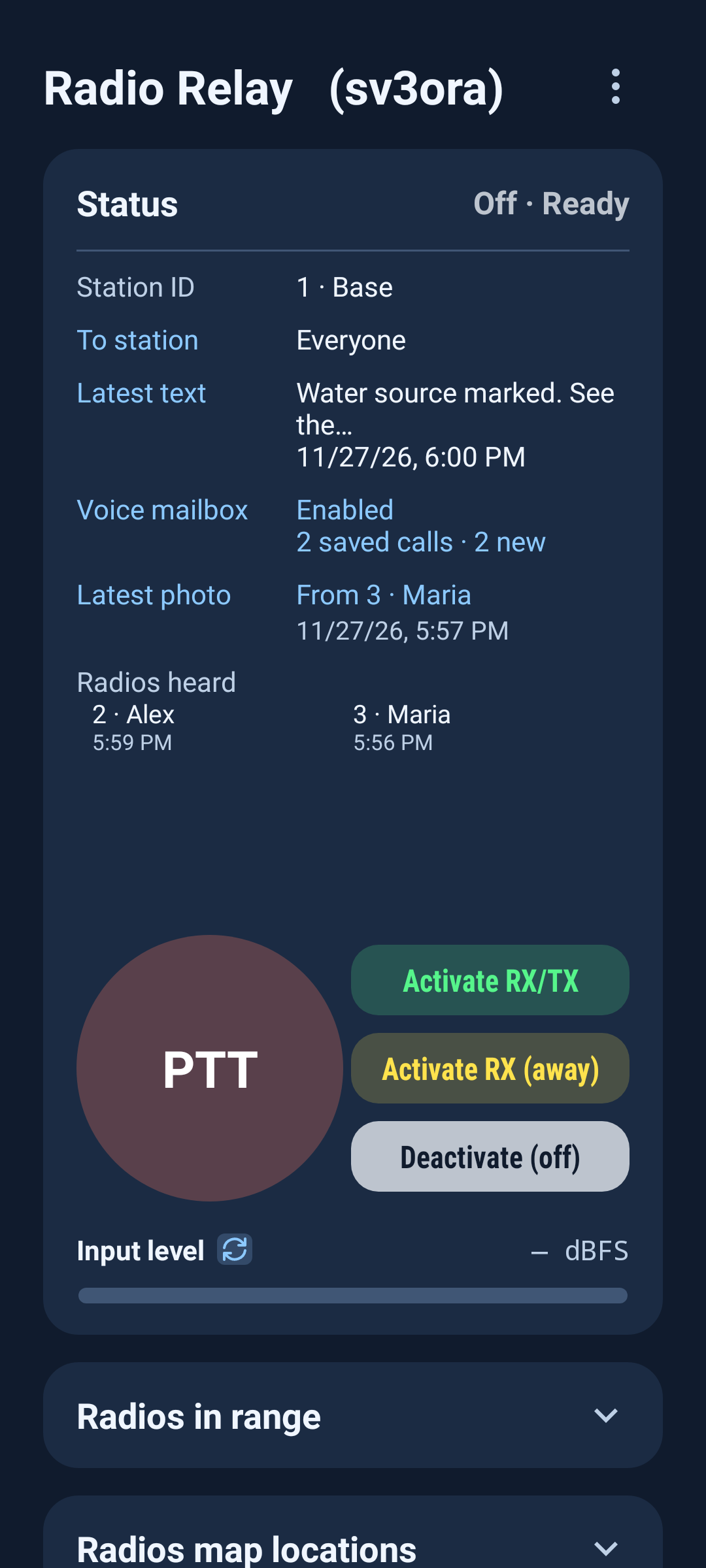
Exchange locations, mark points of interest and record a route back to camp.
Use station aliases, addressed messages and a voice mailbox to coordinate activities.
Experiment with audio relay, SSTV, shared radios and direct Internet gateways.
Explore the actual version 2.00 interface. Select any screenshot to view it at full size.
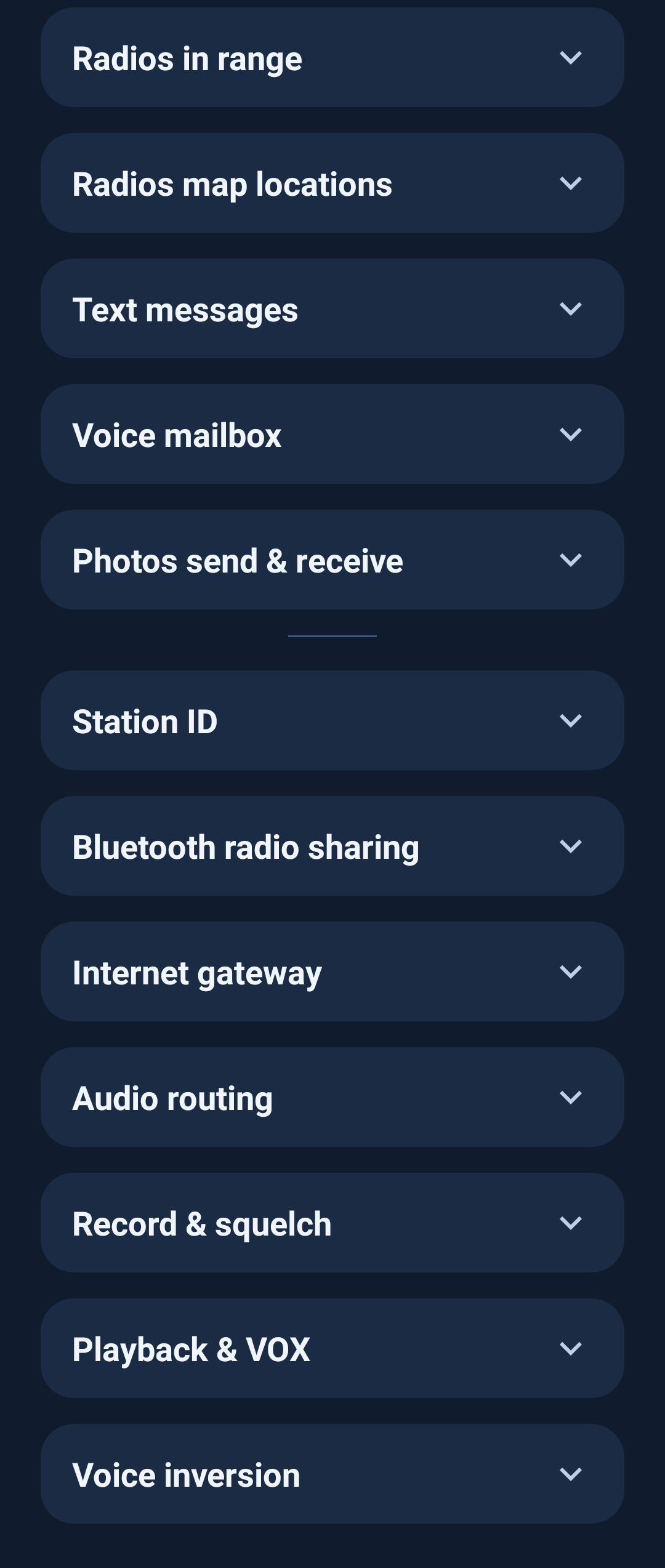
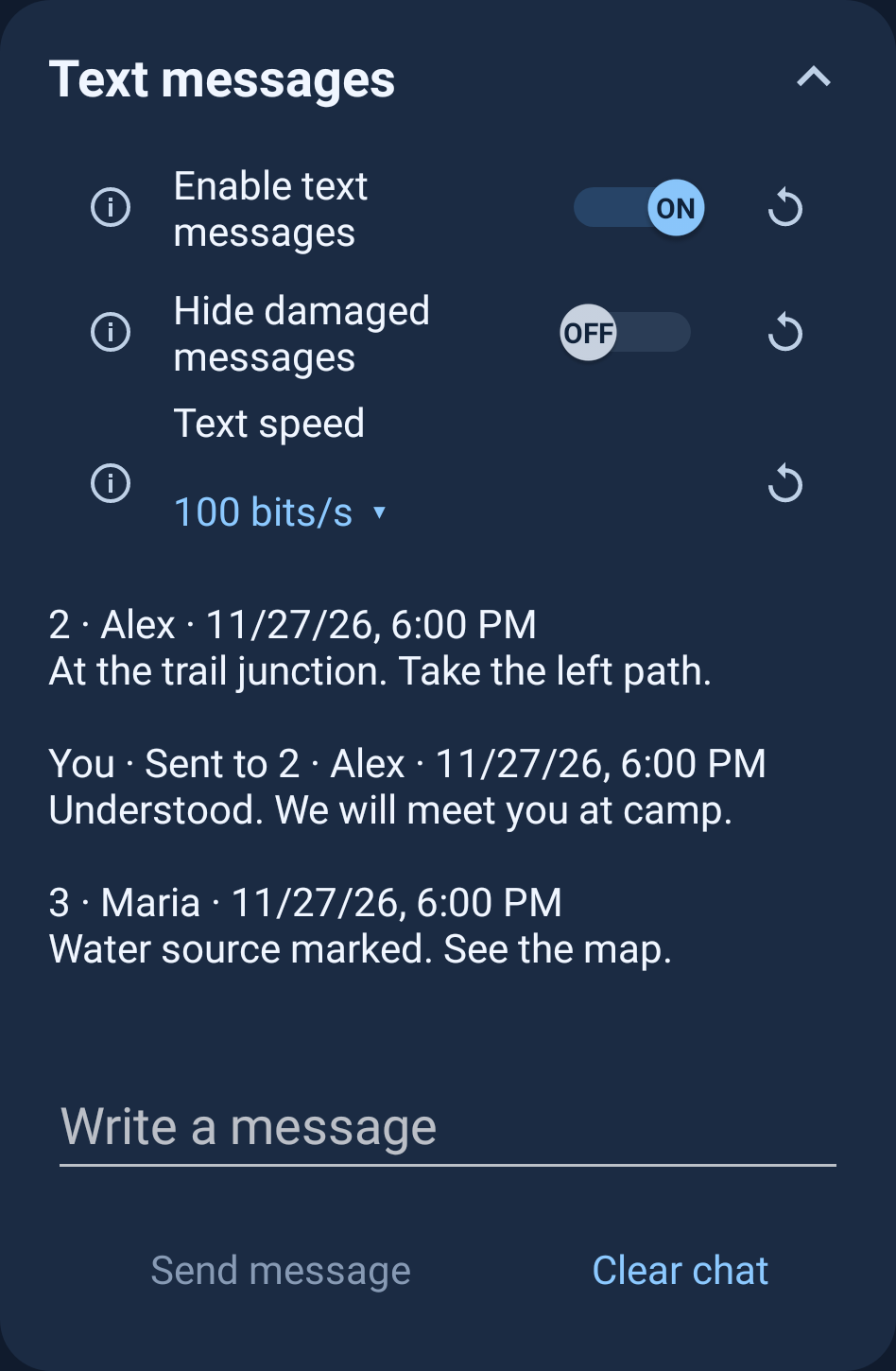
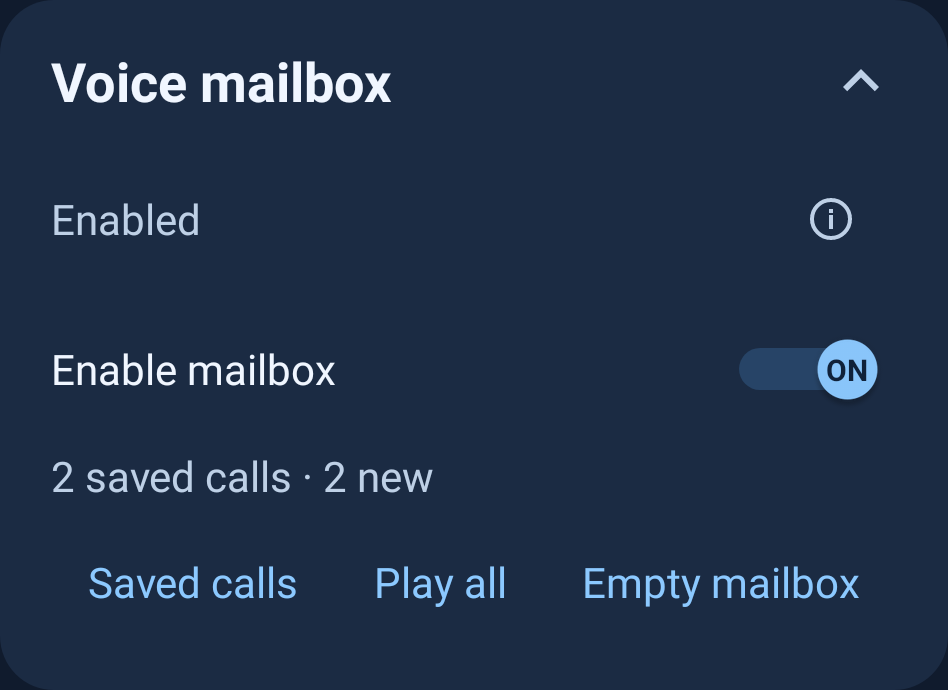
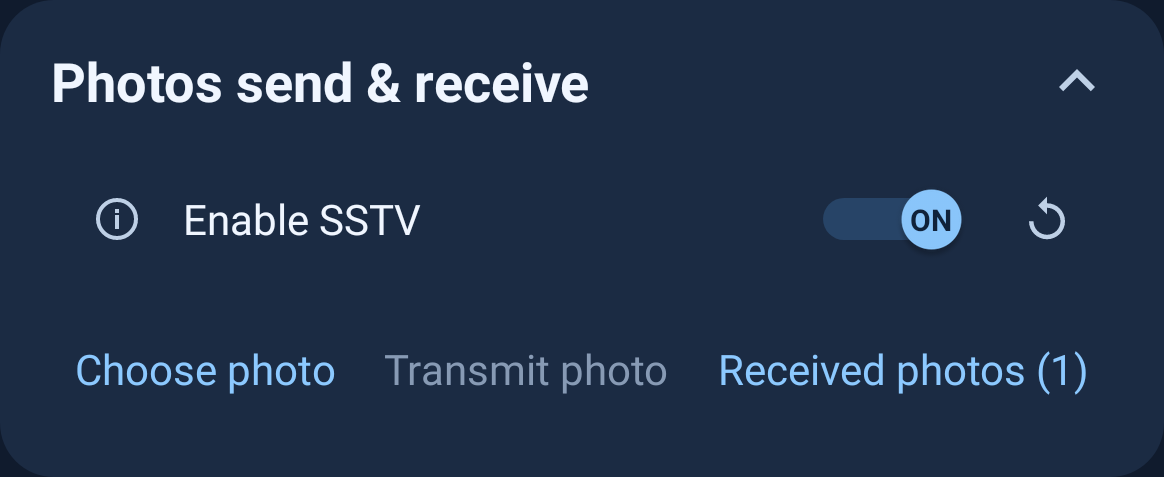
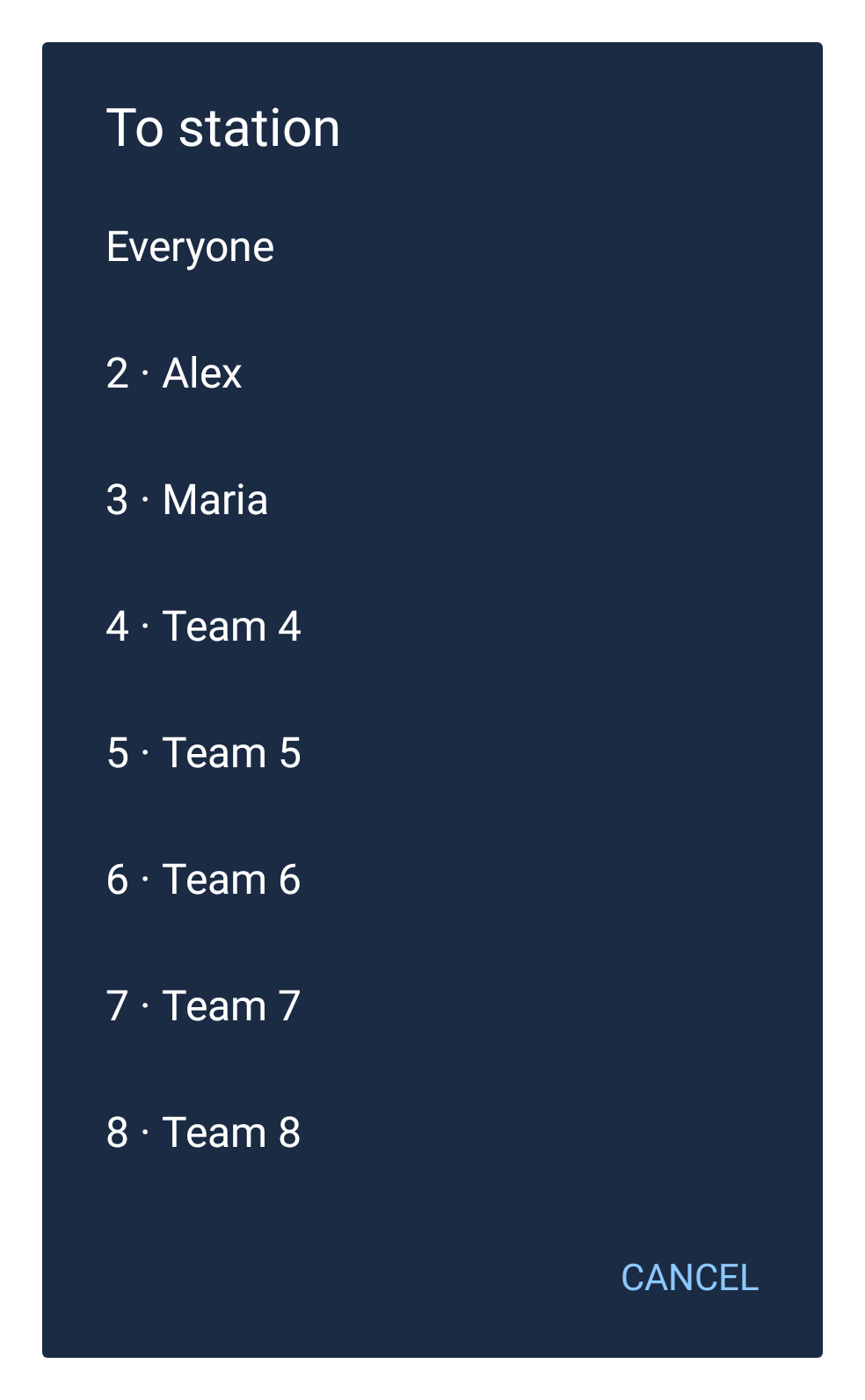
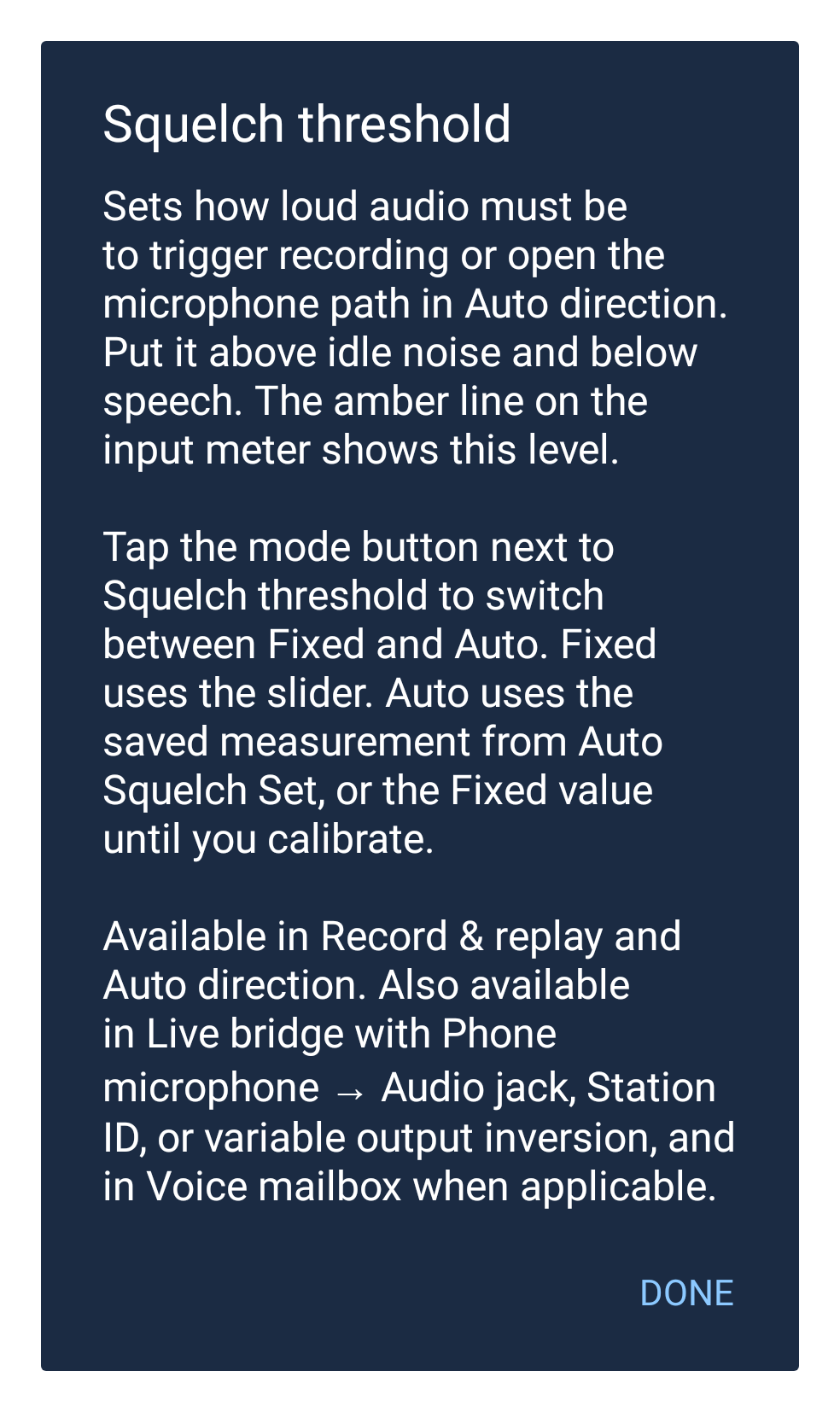
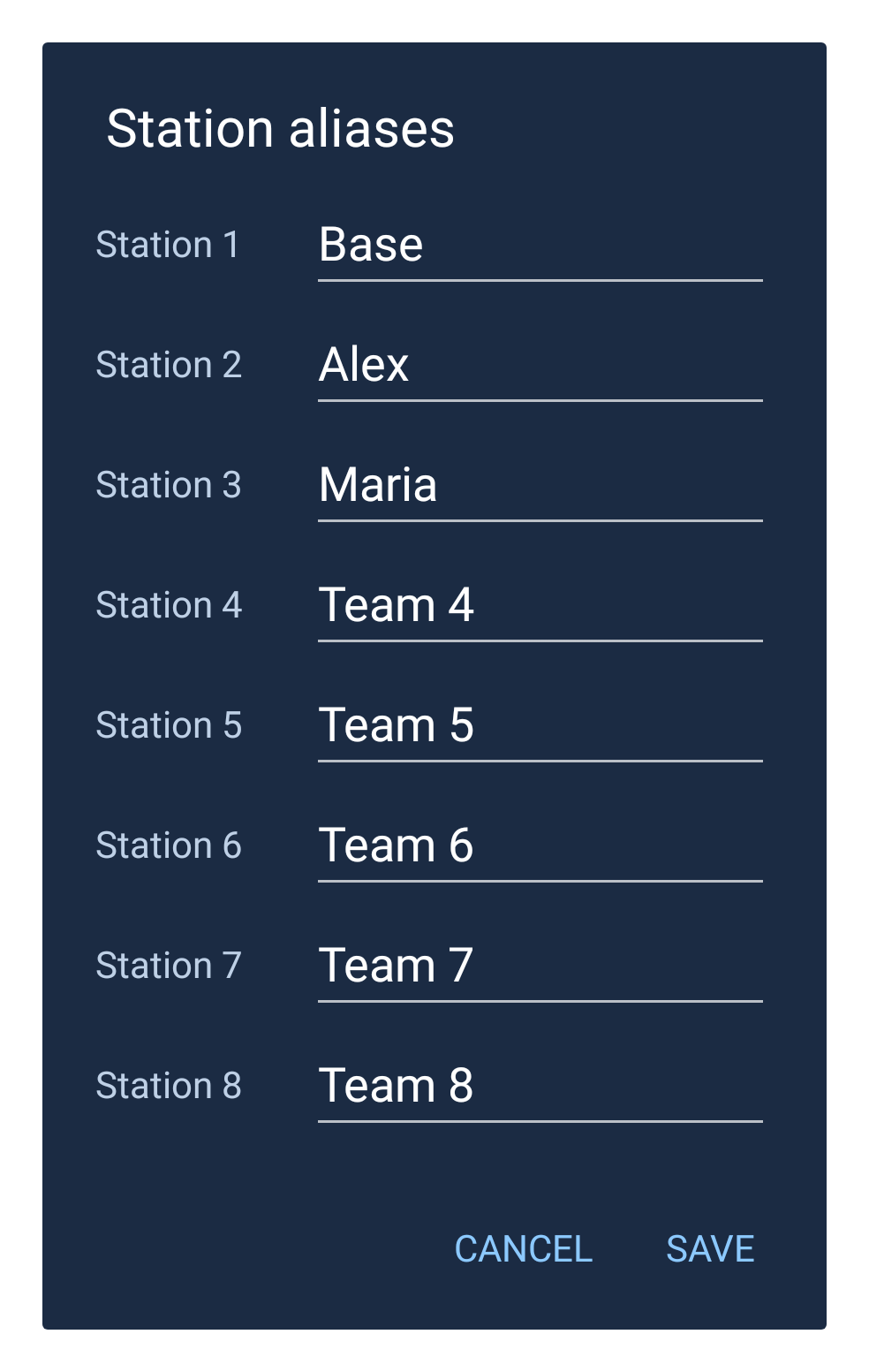
Screenshots are native Android interface captures from a test environment. Sample messages, locations, calls and images are illustrative, not live radio activity.
| Version | 2.00 (build 185) |
|---|---|
| Android | 6.0 or later (API 23); target SDK 35 |
| APK size | 250,859 bytes (approximately 250 KB) |
| Interface language | English |
| Audio connections | Phone microphone/speaker, wired audio and supported Bluetooth audio |
| Voice mailbox | Automatic recording of incoming voice calls with timestamps and station aliases; unread call tracking, individual or sequential playback, export and deletion. |
| Text mode | Audio FSK, 50 / 100 / 200 bit/s |
| Photo mode | Robot 36 SSTV, 320 × 240 pixels; approximately 36–37 seconds plus lead/header timing |
| Station IDs | 8, with editable aliases |
| Offline maps & navigation | GPS, network location or manual coordinates; relative station positions, location sharing, persistent map markers, route recording, return navigation and off-route vibration warnings. |
| Voice scrambler | Fixed-frequency and synchronized variable-frequency voice inversion, with six configurable frequency slots and a shared switching sequence. |
| Audio relay & repeater | Live audio bridge or record-and-replay (parrot repeater); manual PTT, automatic voice triggering, automatic direction switching and transmit blocking while receiving. |
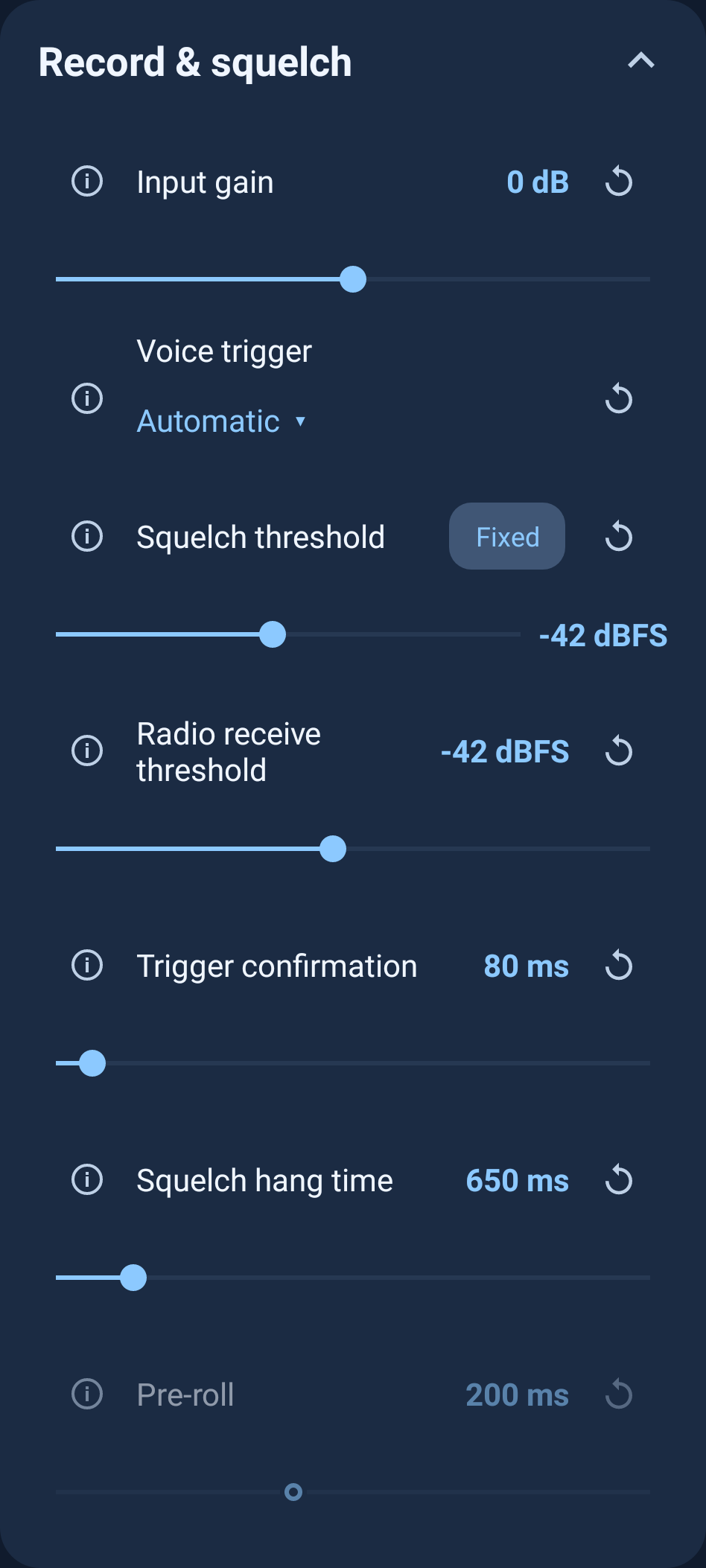
| Record & squelch | Adjustable input gain, fixed or automatic squelch threshold, radio receive threshold, trigger confirmation, hang time and pre-roll. |
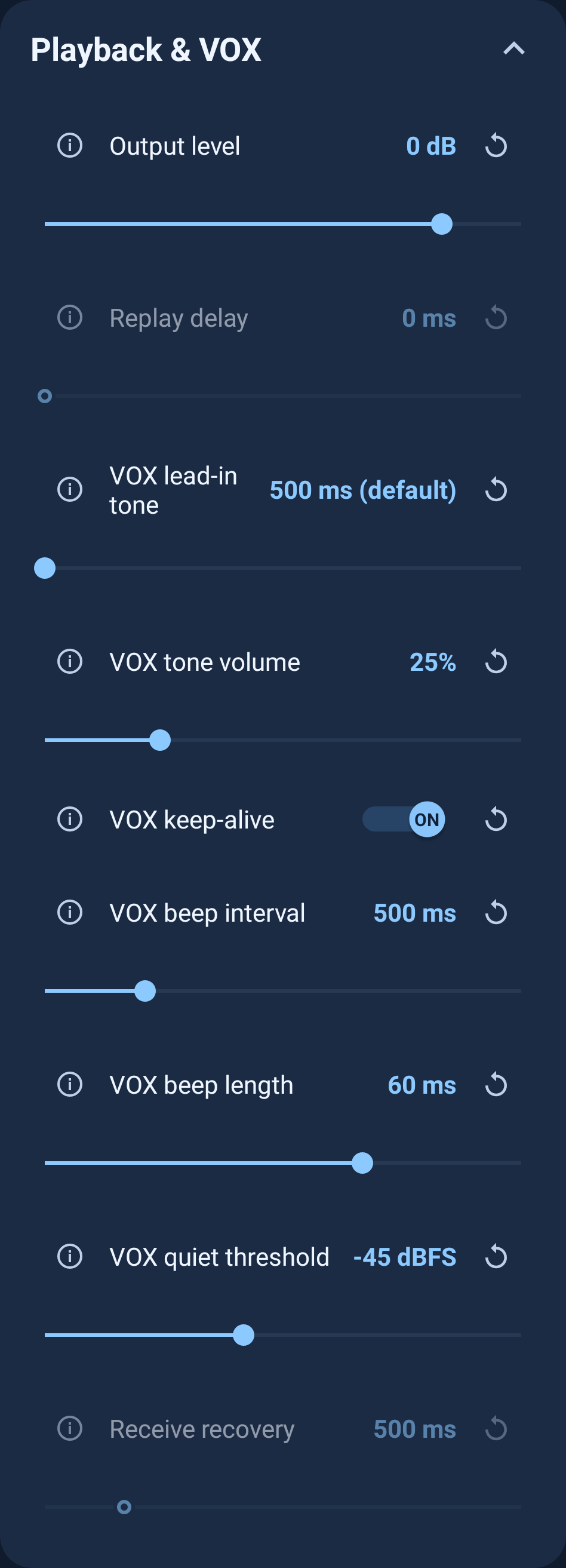
| Playback & VOX | Adjustable output level, replay delay, VOX lead-in tone, keep-alive and receive recovery. |
| Radios in range | Manual or automatic range checks, station aliases and last-heard timestamps. |
| Bluetooth radio sharing | Host and guest operation with join code, approval and listening, talking or data access permissions. |
| Internet gateway | Direct encrypted Internet transport, client/server roles, access controls and automatic reconnect; no mandatory cloud account or third-party relay. |
| Presets & help | Named settings presets, text export/import and individual setting help. |
| Operating modes | RX/TX, receive-only (away) and off; away mode temporarily enables mailbox, text, photo and location reception without transmitting. |
Version 2.00 · Android 6.0 or later · Approximately 250 KB
Download .APK (free forever, no ads)The illustrated 44-page manual covers every user setting, audio routing, PTT and VOX, station identification, range checks, text messages, voice mailbox, SSTV photos, offline maps and route navigation, voice inversion, Bluetooth radio sharing, Internet gateways, presets, operating examples and troubleshooting.
Open user manual (PDF) Download PDF
Available audio routes depend on your phone, Android implementation and connected equipment. The onscreen PTT controls app audio; the radio requires suitable VOX or an appropriate audio/PTT interface.
Core radio tools, local histories, GPS navigation and Bluetooth sharing can operate without Internet. Network positioning may require connectivity. The optional Internet gateway requires a reachable network connection.
Selective addressing filters messages at application level; it does not prevent unrelated receivers from hearing RF transmissions. Voice inversion is speech obfuscation, not strong encryption. Use radio functions in accordance with applicable regulations.
Disclaimer: Use this application at your own risk. The developer accepts no responsibility for its use or for any reliance on it in emergencies or life-saving situations. Do not rely on this application as your sole means of emergency communication or navigation. Not all features have been extensively tested. Report bugs to sv3ora.